 how-to
How to Automate Commercial Property Inspections
Table of Contents
- Step 1: Map Your Current Inspection Workflow and Find the Bottlenecks
- Step 2: Choose Commercial Property Inspection Software That Fits Your Field Operations
- Step 3: Build a Standardized Commercial Building Inspection Checklist
- Step 4: Capture Field Data on Mobile and Add a Commercial Roof Inspection With Drones
- Step 5: Automate Issue Tracking, Escalation, and Follow-Up Tasks
- Step 6: Generate Automated Inspection Reports That Are Audit-Ready
- Step 7: Measure ROI, Train Your Team, and Avoid Common Automation Mistakes
- Frequently Asked Questions
Last Updated: October 18, 2026
Step 1: Map Your Current Inspection Workflow and Find the Bottlenecks
Most property inspections programs don't fail because of bad intentions. They fail because nobody mapped the process before trying to automate it.
Then look for the bottlenecks. They usually cluster in four places:
- Scheduling - inspections booked by phone or email, with no shared calendar
- Field capture - paper forms, scattered photos, notes typed up later from memory
- Reporting - hours spent formatting documents after the walk-through
- Follow-up - issues logged but never assigned, escalated, or verified
A common mistake is automating the reporting step first because it's the most visible pain. The real time savings come from fixing field data capture, because everything downstream depends on clean data. Map the bottlenecks honestly, rank them by hours lost per month, and automate the biggest one first.
Step 2: Choose Commercial Property Inspection Software That Fits Your Field Operations
The right commercial property inspection software matches how your inspectors actually work, not how a sales demo says they should.
Here's a practical way to score vendors:
| What to Check | Why It Matters | Red Flag |
|---|---|---|
| Offline field capture | Inspectors lose signal in stairwells and mechanical rooms | App requires live connection |
| Checklist customization | Every property type needs different items | Locked templates only |
| Photo-to-item linking | Evidence must attach to the exact defect | Photos stored in one big folder |
| Automated report generation | Reports should build themselves from field data | Manual export and formatting |
| Escalation rules | Issues must route to the right person automatically | No assignment logic |
| Integration options | Data must reach your property management system | No API or export |
Pricing models vary widely across the category, so ask each vendor to quote against your actual inspection volume and property count. Don't accept a demo that skips the offline test. Ask them to show you a full inspection completed with the device in airplane mode.
Integrations and Data Architecture: The Question Most Buyers Forget to Ask
Most vendor comparisons stop at features. The harder question is where inspection data lives, who owns it, and how it moves between systems.
Before you sign, map the data flow for one inspection and confirm each handoff:
- Inspection to CMMS/CAFM - When a defect is logged, does the tool create a work order in your existing system, or does someone retype it? Ask whether the integration is native, API-based, or a scheduled export, and who maintains it when either vendor updates.
- Inspection to PMS - Do inspection records attach to the correct property, unit, and tenant record? Move-in and move-out inspections are worthless if the results don't land on the lease file.
- Inspection to document management - Are reports and photos stored with the asset history, or in a separate portal that auditors can't access?
- Sensor and meter data - If you use building sensors, can inspection findings reference the same asset IDs so a roof leak and an HVAC fault point to the same equipment record?
- Ownership and export - Who owns the data if you switch vendors? Insist on a contractual right to export raw inspection data, photos, and audit logs in a non-proprietary format, and test the export before rollout.
A common pattern is that the inspection vendor owns the workflow but the CMMS owns the work order, which means the integration must support two-way synchronization: status changes in the CMMS should reflect back in the inspection record, and resolution photos captured in the field should attach to the work order. Ask each vendor to demonstrate a live sync, not a slide.
Step 3: Build a Standardized Commercial Building Inspection Checklist
A commercial building inspection checklist is the backbone of automation. Without one, every inspector captures different data, and no report or escalation rule can work reliably.
Build your checklist in layers:
- Property-level items - address, square footage, building systems, roof type
- System-level sections - HVAC, roofing, plumbing, electrical, life safety, parking
- Item-level questions - pass/fail, condition rating, defect notes, required photo
- Severity flags - minor, moderate, urgent, with clear definitions for each
The severity definitions matter more than most teams realize. If one inspector calls a roof leak "moderate" and another calls the same leak "urgent," your escalation rules will misfire.
Keep the checklist to what you'll actually act on. A 400-item form that nobody completes fully is worse than a 120-item form that gets finished every time.
Step 4: Capture Field Data on Mobile and Add a Commercial Roof Inspection With Drones
Mobile field data capture during property inspections is where automation earns its keep. When inspectors enter findings directly into a tablet or phone, the data is structured from the first tap. No transcription, no lost notes, no photos emailed from three different devices.

Set a few field rules before rollout:
- Every defect gets a photo, taken at the moment it's found
- Every photo attaches to its checklist item, not a general gallery
- Notes are typed in the field, not reconstructed later
- Inspections sync automatically when the device reconnects
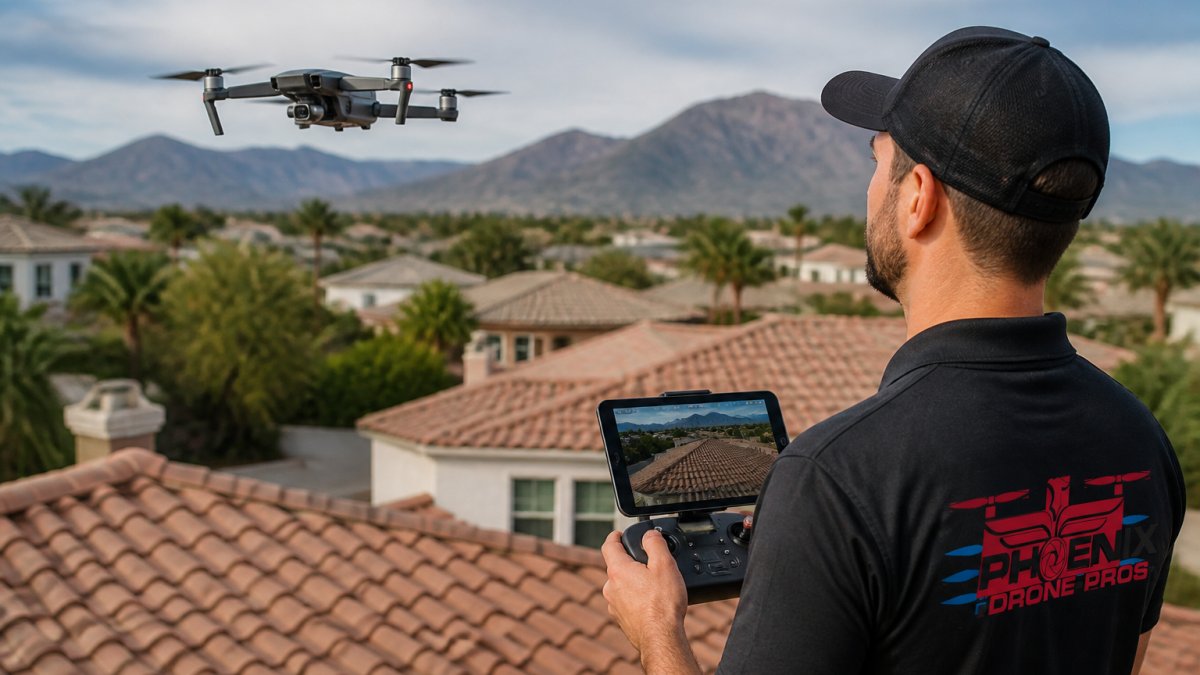
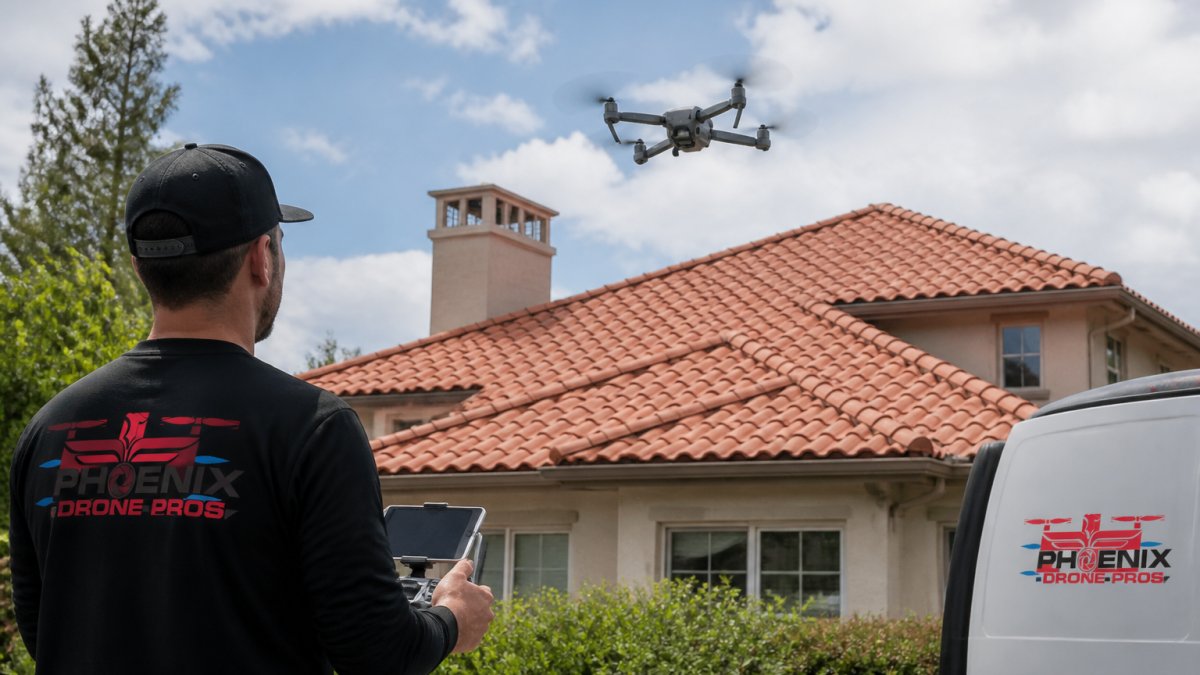
Then there's the roof. A commercial roof inspection with drones covers what a ladder walk cannot: full parapet edges, rooftop HVAC units, drainage, and membrane seams across the entire surface. If you're building in-house aerial capability, our Done flight training gets your team flying safely and compliantly.
Step 5: Automate Issue Tracking, Escalation, and Follow-Up Tasks
Automated escalation is the feature that separates real inspection management from a digital clipboard.
A workable escalation structure looks like this:
| Severity | Who Gets Notified | Response Window | Follow-Up |
|---|---|---|---|
| Urgent (safety) | Facilities manager + on-call vendor | Same day | Photo verification of fix |
| Moderate | Assigned technician | 5 business days | Status check at day 3 |
| Minor | Maintenance queue | Next scheduled cycle | Batch review monthly |
Two rules keep this from becoming noise. First, escalate to a person, not a distribution list. Second, require resolution verification: a photo or sign-off proving the fix happened.
Follow-up tasks should fire automatically too. If a work order sits untouched past its window, the system should bump it up a level. That single rule catches most of the maintenance issues that otherwise slip through for months.
Step 6: Generate Automated Inspection Reports That Are Audit-Ready
An audit-ready report builds itself from the data your inspectors already captured. Address, date, inspector, checklist results, linked photos, and open defects populate automatically. Your team reviews and sends, rather than types and formats.
What makes a report audit-ready:
- Complete evidence chain - every finding has a photo and a timestamp
- Consistent structure - same sections, same order, every property
- Clear defect status - open, in progress, resolved, with dates
- Version history - who changed what, and when
- Export options - PDF for owners, spreadsheet for asset planning
The Occupational Safety and Health Administration publishes inspection and recordkeeping guidance that's worth reviewing when you design report templates for safety-related findings, since documentation standards there shape what auditors expect to see. Build your template once, test it against a real inspection, and lock the structure.
Step 7: Measure ROI, Train Your Team, and Avoid Common Automation Mistakes
Measure the automation against the baseline you captured in Step 1. Track four numbers: inspection completion time, report turnaround time, average resolution time for defects, and the percentage of follow-ups closed on schedule. Those four tell the whole story.
Turn Those Four Numbers Into an ROI Calculation
A defensible ROI case uses your own baseline, not a vendor's case study. Capture the following before rollout, then re-measure at 30, 90, and 180 days:
- Inspection cycle time - hours from scheduled start to completed field capture, per property
- Report turnaround - hours from field completion to delivered report
- Defect resolution time - median days from logged defect to verified fix
- On-time follow-up rate - percentage of work orders closed within their response window
- Repeat defect rate - percentage of defects that recur at the same asset within 12 months
- Cost per inspection - total labor hours plus software and vendor cost, divided by inspections completed
To build the ROI, multiply the hours saved per inspection by your fully loaded labor rate, then subtract the annual software cost and any integration or training expense.
Benchmarks vary by portfolio size and property type, so avoid promising a fixed percentage. Instead, set internal targets based on your baseline, for example, a 25% reduction in report turnaround within 90 days, and report against them. A transparent target you hit is worth more than an aggressive number you miss.
Change Management and Field Adoption
Training is where rollouts quietly fail. Field teams resist tools that slow them down, and they're right to. A few practices separate adoptions that stick from those that stall:
- Pilot on one property type - run the new workflow on a single building or asset class for 30 days before portfolio-wide rollout, and fix the checklist and escalation rules based on what the pilot reveals.
- Train on a live property, not a conference room - pair each inspector with a peer for the first two inspections, and make sure the trainer has actually used the tool in the field.
- Design for offline and accessibility - confirm the app works with gloves, in low light, and on the devices your team already carries; test with the inspectors who are least comfortable with technology, not the most.
- Appoint one internal champion - give that person ownership of the checklist, the escalation rules, and the field questions, and give them authority to change the template when it isn't working.
- Address the fear behind resistance - inspectors often worry that automation is a prelude to headcount cuts or performance surveillance. Be explicit about what the data will and won't be used for, and share the first month's results openly.
The mistakes we see most often:
- Automating reporting before fixing field capture
- Building checklists so long that inspectors skip items
- Escalating to email lists instead of named owners
- Skipping resolution verification
- Never reviewing the data after the novelty wears off
Automation doesn't fix a messy process, it accelerates it. Map the workflow, standardize the checklist, then let software handle the routing and reporting, and measure the result against a baseline you captured before you started.
Frequently Asked Questions
What are the four types of commercial property inspections?
The four common types are routine or preventive inspections, safety and compliance inspections, maintenance and condition assessments, and specialized inspections such as roof, structural, or thermal scans. Each type uses a different commercial building inspection checklist and reporting cadence. Automating all four in one property inspections platform keeps findings, photos, and follow-up tasks in a single record instead of scattered spreadsheets and email threads.
How can commercial property inspection software automate reports?
Commercial property inspection software links each checklist item to a photo, note, and severity level. When the inspector closes the inspection, the platform pulls that data into a template, inserts the property address, date, and findings, and generates a PDF or web report. Automated inspection reports can also route to the property owner or facilities manager and create work orders for defects, so no one retypes notes after a site visit.
Can drones help automate commercial roof inspections?
Drones make a commercial roof inspection with drones faster and safer because the pilot captures high-resolution images and thermal data without ladders or roof access. Those images upload to inspection software, where AI flags missing flashing, ponding water, or damaged membrane. A drone flight can cover a large roof in minutes, and the photos become part of the automated inspection report and the maintenance history for the building.
How do you track maintenance issues found during property inspections?
Every finding should become a tracked issue with an owner, priority, due date, and photo evidence. Inspection software converts checklist failures into work orders and sends automated escalation when a deadline passes. You can verify resolution with a follow-up photo and close the loop in the same system. Tracking issue resolution time and repeat defects shows whether the automation is reducing maintenance problems or just documenting them.